How solar door-to-door teams run a live patch
Sits, pitches, and Follow Ups on a map, not updates after the suburb is done.
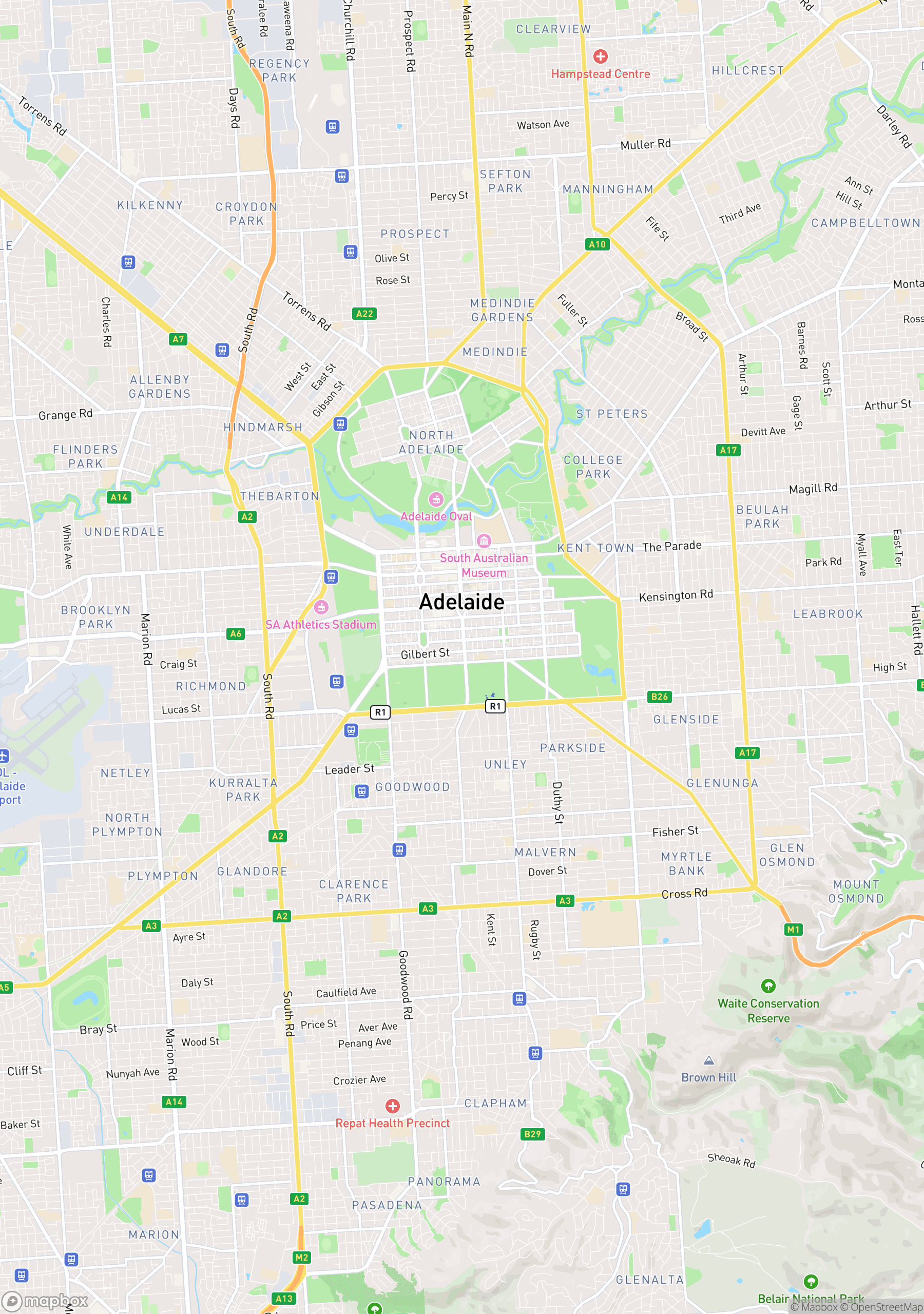
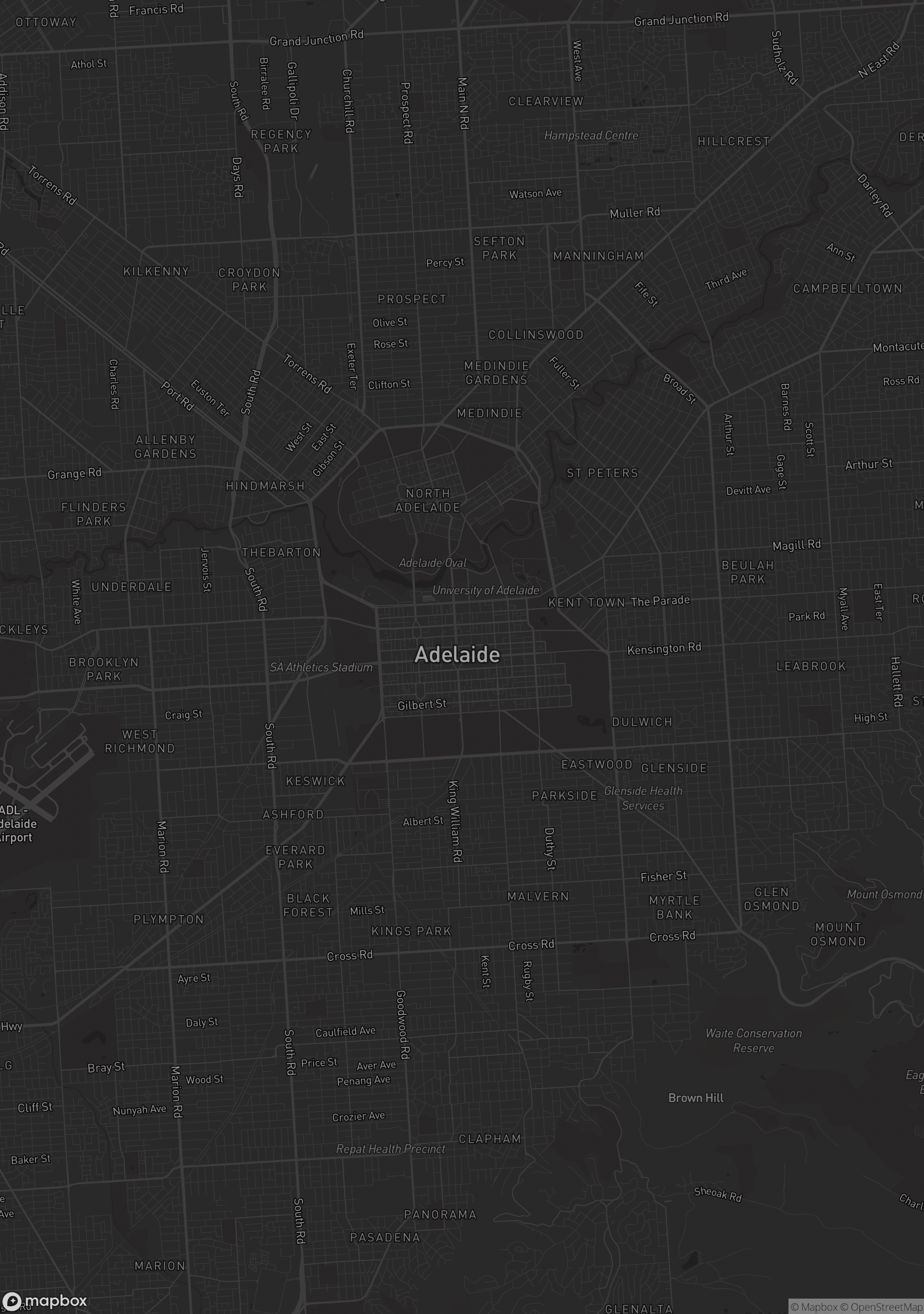
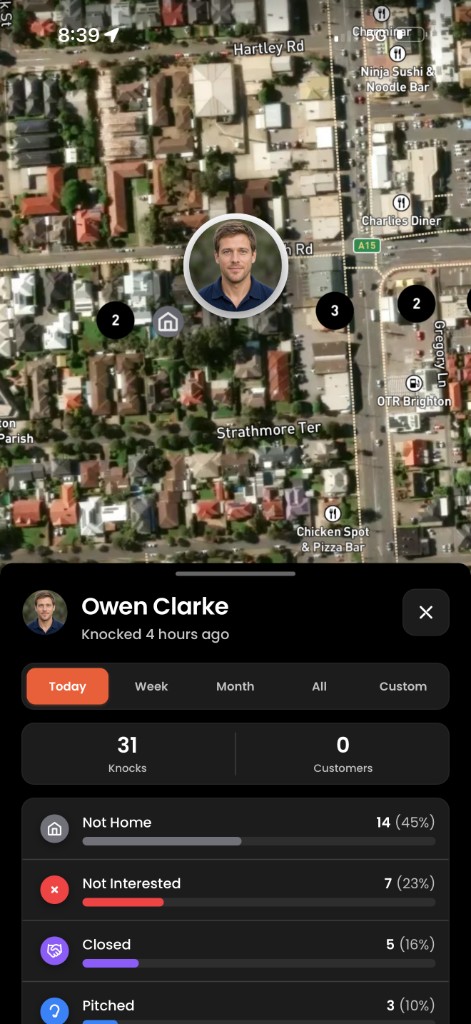
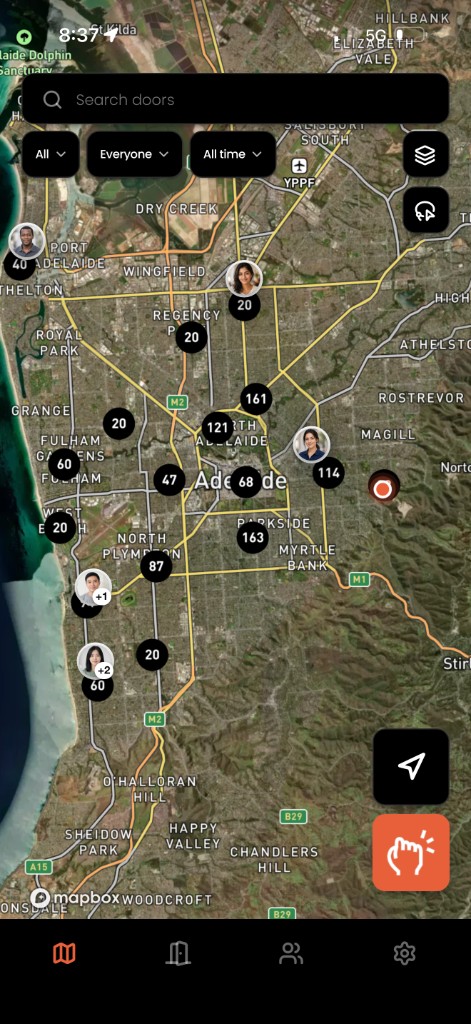
Solar door-to-door teams need a live picture of sits, pitches, and Follow Ups across suburbs, not updates after the street is done. Pin each knock with outcome and GPS; managers see coverage and booked return sits while reps are still in the patch.
Solar-specific pains
Solar crews spread across streets with high variance: long pitches, booked return sits, and Follow Ups that must land on the right address. Without a shared map, managers discover gaps only when the day is over.
Double-knocks waste pitch time and annoy homeowners. Follow Ups trapped in personal notes do not survive handoffs between reps.
Workflow: knock → outcome → next street
At the door, log sit, pitch, not home, or Follow Up on the door with optional notes. GPS ties the knock to the address. On the map, teammates see what was already hit before they walk the next street.
When an Appointment is booked, the date and time stay on the door for whichever rep goes back, not a row in a manager's notebook.
Manager check-ins without the group chat
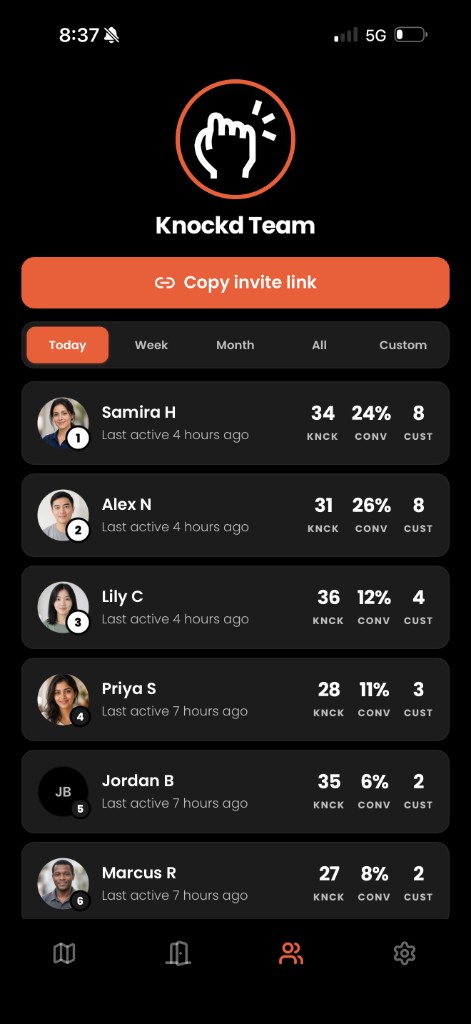
Instead of 'where is everyone?' texts, managers open the map mid-shift: coverage by suburb, outcomes accumulating live, and open Follow Ups visible before driving out to coach.
Follow Ups on the address
Solar Follow Ups fail when they live in SMS threads. Keep Appointments and Follow Ups on the door so any rep with the patch can action them with full context.
Multiple reps per suburb
As you scale crews, shared address history matters more than individual totals. One map for knocks, outcomes, and areas prevents parallel beats from colliding.
Related
Keep exploring
Nearby product and industry pages for the same workflow.
Answers
Common questions
Setup, teams and how Knockd fits door-to-door work.
Resources
More guides
Keep reading for the same street workflows.
How to track door knocks without spreadsheets
Replace end-of-day spreadsheets with a shared knock map.
Read guideDoor-to-door sales software in Australia: what to look for
Buyer checklist for Australian door-to-door and canvassing teams.
Read guideFree door knocking app for field teams in Australia
Free start for door knock logging on a live team map.
Read guide
See your solar patch on one map
Same-day knocks, sits, and Follow Ups on every address, built for Australian solar crews.